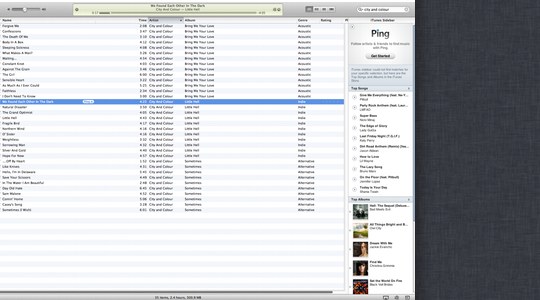
 On the fence about fullscreen applications in Lion already? If you’re using a dual monitor setup, you may just be even more disappointed. According to a tipster, entering into fullscreen-mode with an app in Lion renders your second monitor completely useless.
Instead of being able to use the second desktop, you’re presented with Apple’s famous linen wallpaper, and a disabled second screen. As always, this is a beta, and things may change, and in this case, we’re hoping that it does. Just because we’re in full screen mode on one screen, doesn’t mean we want to be on the second screen.
Hopefully Apple lets us determine what’s happening on the second screen in the future, whether it be leaving that monitor in a window mode, or better yet, letting me pick a second app to be in fullscreen mode alongside the first. If it doesn’t happen, either productivity is going to take a hit for some, or power users may avoid fullscreen apps all together.
For the record, if you place an application with fullscreen capabilities onto your secondary monitor, and then hit the full-screen button, the application will be shunted to your primary screen, then maximized.
Hat tip to Greg for sending this one in