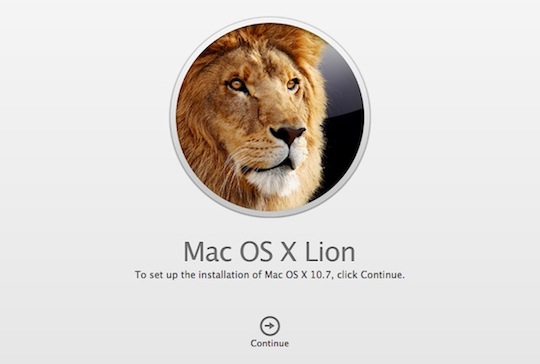
 After working with Lion for a bit, I realized just how annoying it’s going to be to upgrade my machine that doesn’t spend any time on the internet (don’t ask), so after poking around a little bit on The Google, I noticed that our very own Stephen Hackett stumbled on an awesome little trick to get a Bootable Lion disk image that I can use.
I should probably say off the top, from what we hear, once you buy Lion on the Mac App Store, an entry will appear in your purchased software section of the Mac App Store. From there you’ll be able to upgrade machines on your network. Currently you’re supposed to buy a version of Snow Leopard for every Mac on your network, unless you buy a family pack. So this may change in the future, by the time Lion actually ships. Keep that in mind.
Anyway, here’s how you get a bootable Lion disk.
- Purchase and download Lion from the Mac App Store on any Lion compatible Mac running Snow Leopard.
- Right click on “Mac OS X Lion” installer and choose the option to “Show Package Contents.”
- Inside the Contents folder that appears you will find a SharedSupport folder and inside the SharedSupport folder you will find the “InstallESD.dmg.” This is the Lion boot disc we have all been waiting for.
- Copy “InstallESD.dmg.” to another folder like the Desktop.
- Launch Disk Utility and click the burn button.
- Select the copied “InstallESD.dmg.” as the image to burn, insert a standard sized 4.7 GB DVD, and wait for your new Lion Boot Disc to come out toasty hot.
Install away.
Article Via Forkbombr, how meta