 TRIM support is vital for Macs with SSDs installed, as it can greatly increase the longevity of the drive. SSDs naturally don’t handle garbage files very well. TRIM support corrects this, giving the drive the ability to get rid of old files much more quickly.
Be sure to check out this great post over at TUAW to learn all about TRIM.
Except for the newest batch of MacBook Pros, Apple’s machines do not support TRIM out of the box, a move that has left many SSD users scratching their heads and shaking their fists.
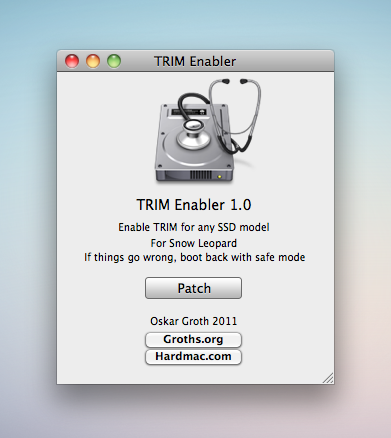
However, Oskar Groth has released a small utility that will enable TRIM support on any Mac running Snow Leopard. This utility edits a kernel extension, based on what Apple’s done with the new MacBook Pros.
Editor’s Note: While this went smoothly on my SSD-equipped MacBook Pro, this is an unsupported kernel extension change. Run this at your own risk, and don’t come crying to us if it blows up your machine.