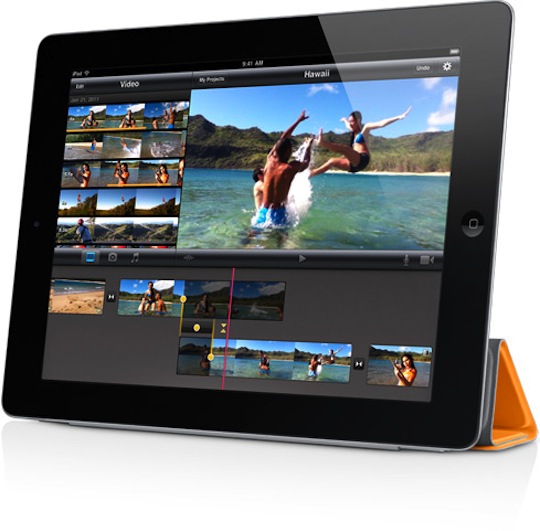
We reported earlier today that iMovie for the iPad was only available for the iPad 2. You could download it, but unless you’re planning on buying an iPad 2 tomorrow, you were out of luck. Editing videos on your iPad was out of the question. That is, until the internet catches on and solves the problem in a way that most probably didn’t see coming.
According to Mac Observer, the steps are pretty simple. Our own Wayne Dixon double checked the process, and confirms that it works quite well.
- Download the iMovie app in the iTunes App Store (linked below)
- Download the newly updated iPhone Configuration Utility from Apple
- Click the add button, then navigate to
~ / Music / iTunes / iTunes Media / Mobile Applications - Select iMovie 120.ipa from the list.
- Select the iPad from the sidebar on the left, then click the applications tab in the right pane.
- Navigate to the iMovie listing, and hit the install button.
- Voilà
Internet, I love you.
Update: You cannot install the app via Organizer in Xcode.
Update 2: Syncing your iPad 1 with iMovie doesn’t seem to remove it, but it does keep asking you to “authorize” the app.
Article Via MacObserver