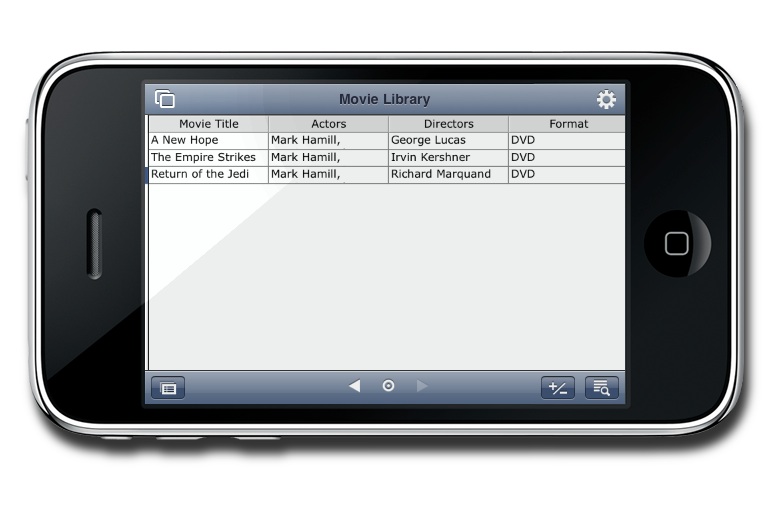
A while back, I reviewed FileMaker Pro 11 for Mac OS X. It’s a great high-octane database application for the desktop, but that is only one aspect of the product. Mobile is a big deal these days, so the folks at FileMaker have made a bang-up iPhone version of their software called FileMaker Go.

If you’re interested in this app, you probably already have FileMaker Pro. Lucky for us, interacting between the desktop and iPhone is as easy as I could have ever hoped. If you like managing things the old fashioned way, you can use iTunes File Sharing to drag your .fp7 file back and forth. If you’re cable-phobic, you can open FileMaker Pro 11, and then go to File > Sharing > FileMaker Network to turn on network sharing. Now on your iPhone, go to the FileMaker Go file browser and select “Local Network Hosts.” Your Mac should pop up right away, and any shared database will be there to view and edit.
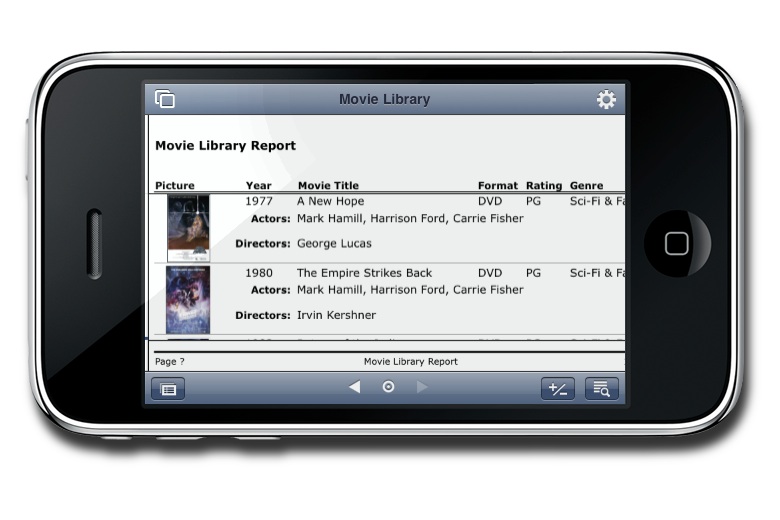
Once you have your database on your iPhone, there are four different views: Form, List, Information, and Report. They all have different functions, but I found myself using the Report view more than anything else. It gives you a nice display of your records, and that’s really what I want. Editing is as good as it can get on a handheld device, but the display functionality is perfect. In my opinion, this app is the best way to view your database when you’re away from your computer. Editing is a secondary function.
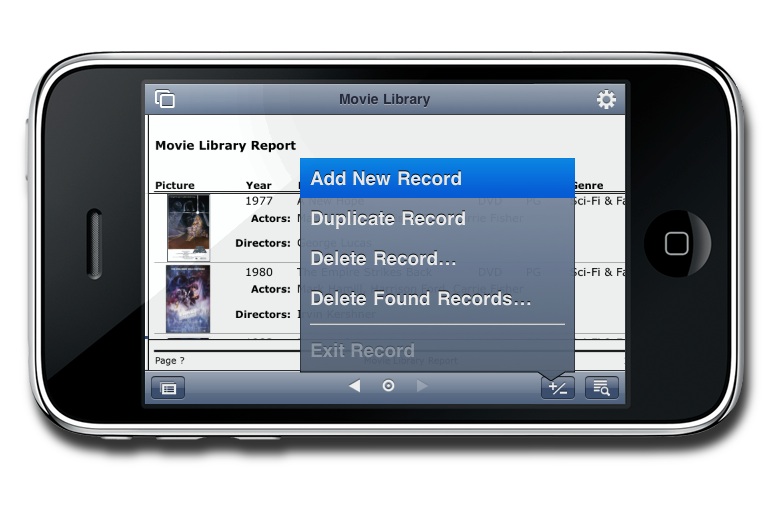
FileMaker applications are for high-end users. They are extremely powerful, but they also carry a substantial cost. If you’re looking for a smaller and easier to use database solution, check out Bento. It’s made by the same people, and it also has an iPhone app. Whichever is right for you, you’ll get your money’s worth with these great apps.