
I’m sure you all know that I am a big fan of VoodooPad on the Mac. I use it all of the time, and I’ve become reliant on a certain image editing app from the folks at Flying Meat as well. Like a rollerskate with a matching key, the VoodooPad iOS app launched not long before I obtained my very own iPad to use it on.
In case you’re not quite sure what a VoodooPad is, I’ll drop some science on you. This wonderful little app is a personal wiki designed specifically for your Mac, iPhone, and iPad. Instead of scattering everything in different places, you just put it into VoodooPad. No mussing and/or fussing with folders and different apps. Everything you need to organize and annotate your life is baked right into VoodooPad. Let go of the clutter, and trust the magic of the voodoo.
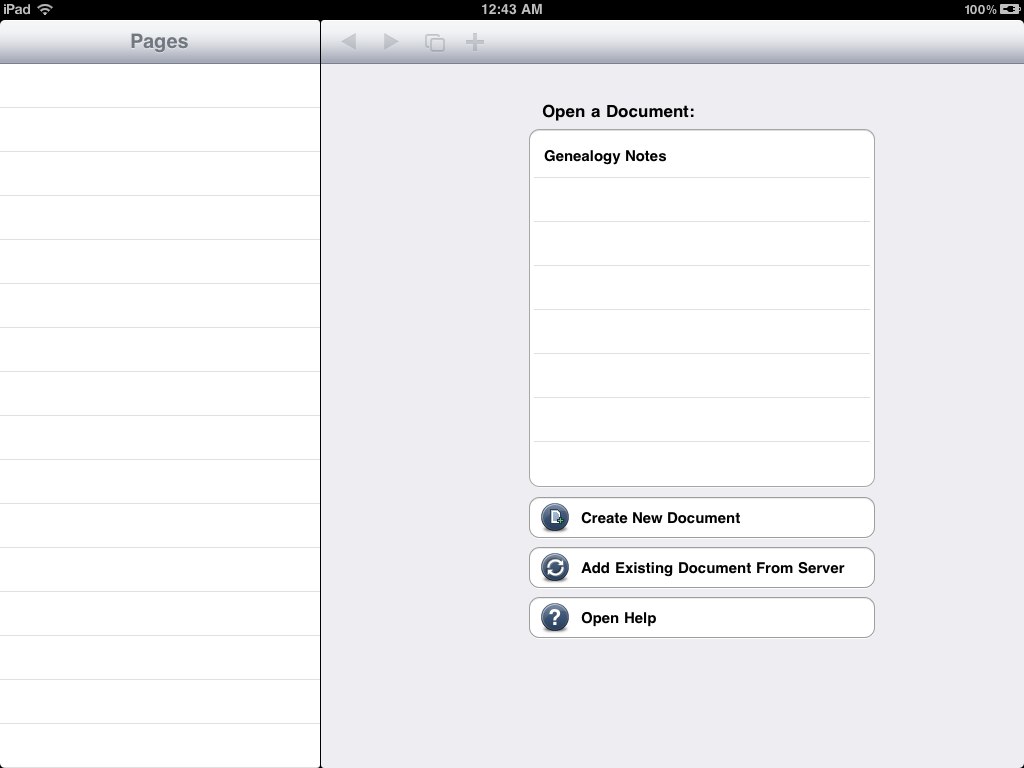
My favorite part of the iPad app is the ability to sync seamlessly to the desktop version. If you have MobileMe, it will sync perfectly once you enter your credentials. If you’re not a MobileMe member, you’ll need to set up your own WebDAV server. If you don’t know what that means, DON’T ATTEMPT TO DO IT! Go buy MobileMe, and you’ll be happy. Server futzing is never fun.
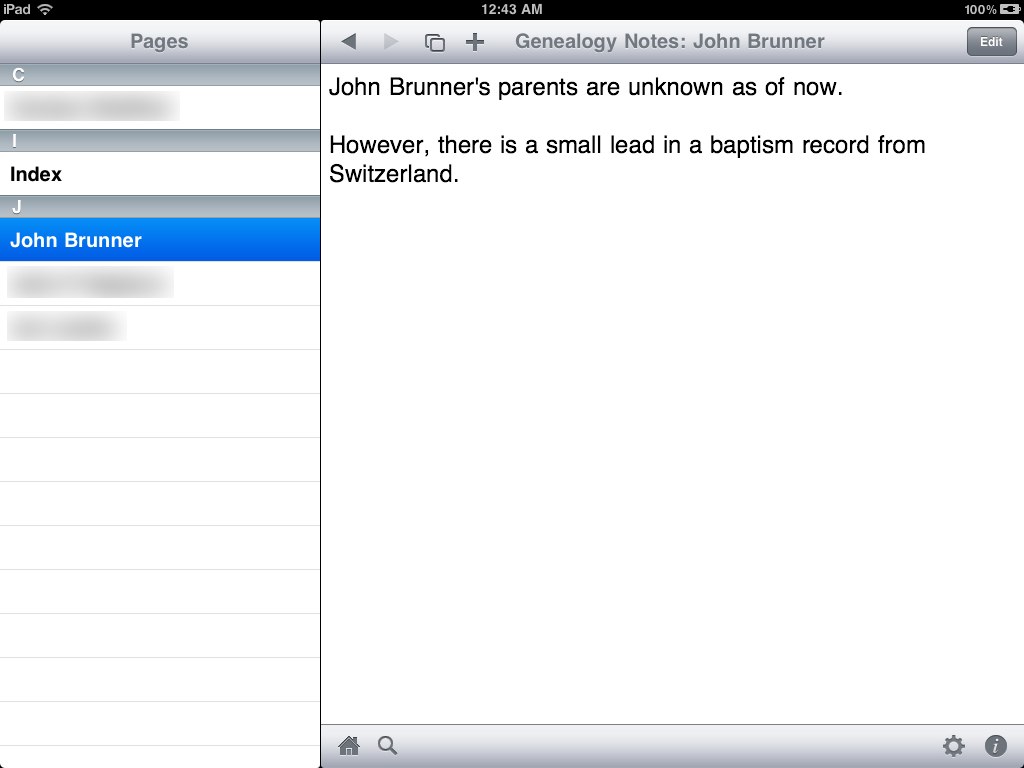
Once you have everything set up the way you want, you can edit the same document on your iPad, iPhone, iPod touch, or Mac, and it just syncs to any other device you have configured. I’m a little speechless at how great the sync works. It also has pretty snazzy conflict detection, so you won’t lose anything by mistake.
As far as iOS apps go, it’s a little on the pricey side at $9.99 USD, but it is completely worth it if you’re already an OS X VoodooPad user. I’m a poor Apple journalist, and I dropped the $10 on it without a moment of hesitation.
So, fellow voodoo-heads, what do you think? Is it worth it to spend $9.99 to buy the iPad/iPhone universal binary? Let me know by leaving a comment on the article.
Photo Credit: moonlightbulb